
How to register on Aliexpress in Russian in rubles in Crimea Free: Step-by-step instruction, filling sample, bonus. Aliexpress - Online Store: Registration and purchase in Crimea
In this article we will discuss how to register on Aliexpress Residents of Crimea.
Contents.
- What gives registration to Aliexpress?
- Registration on Aliexpress in Russian in rubles in Crimea Free: Step-by-step instructions, Filling Sample
- Confirmation of registration for Aliexpress
- Discount when registering for the first order for Aliexpress in Crimea
- Registration and purchase for Aliexpress in Crimea
- Video: How to book with Aliexpress to Crimea?
Aliexpress It is one of the world's Internet sites where you can make purchases. Here you can buy almost everything, ranging from Chinese baubles to qualitative original things. Such a variety of goods attracts not only wholesale buyers, but also simple Internet users.
What gives registration to Aliexpress?
When registering, you will receive the following advantages:
- You can buy different things in stores. Aliexpress
- You will receive emails on e-mail about the promotions and sales
- Copy the scores and use promotion to save more
- Recognize the latest news directly from Aliexpress
- Free Track the movement of each of your order
- Add products to the list "My desires" And find out when they are discount
- Leave feedback from the photo to any purchased product.
Registration on Aliexpress in Russian in rubles in Crimea Free: Step-by-step instructions, Filling Sample
Many users of the Crimea are experiencing that they may have problems with registration. It is worth saying that it is not. The registration process is no different and carried out in the same way as in other countries. So, let's look at how to do it.
- Open Site Aliexpress
- On the right at the top Find key with the title "Registration"
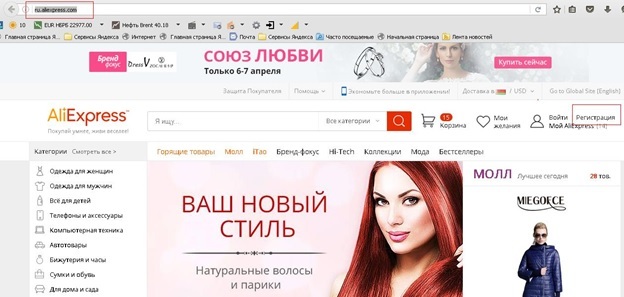
Registration button for Aliexpress
- Mouse over your mouse and select "Register"
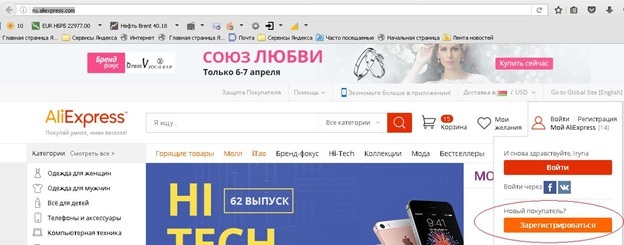
Sign up to Aliexpress
- Appears on the screen formthat you need to fill out:
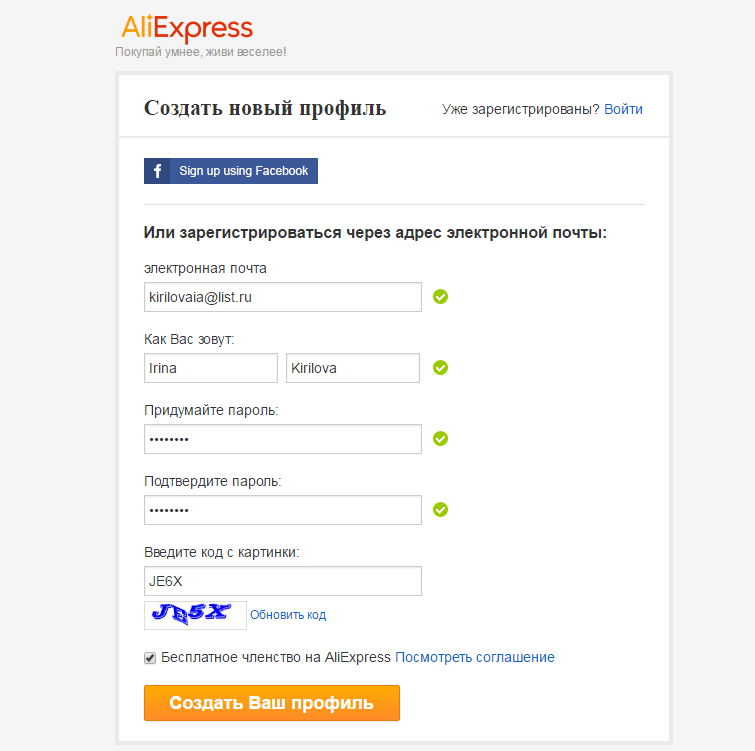
Example of completing the registration form
- In the first line, enter your email
- The second line is designed to enter the name and surname.
- In the following two lines, specify a new password
- In the last line write code from the picture
- When everything is written, select "Creating a new profile"
By the way, all the data is indicated in English, that is, Russian words English letters. To transfer to translit use the service Translit.net.. To use it is very simple.
- Go to Translit.net.
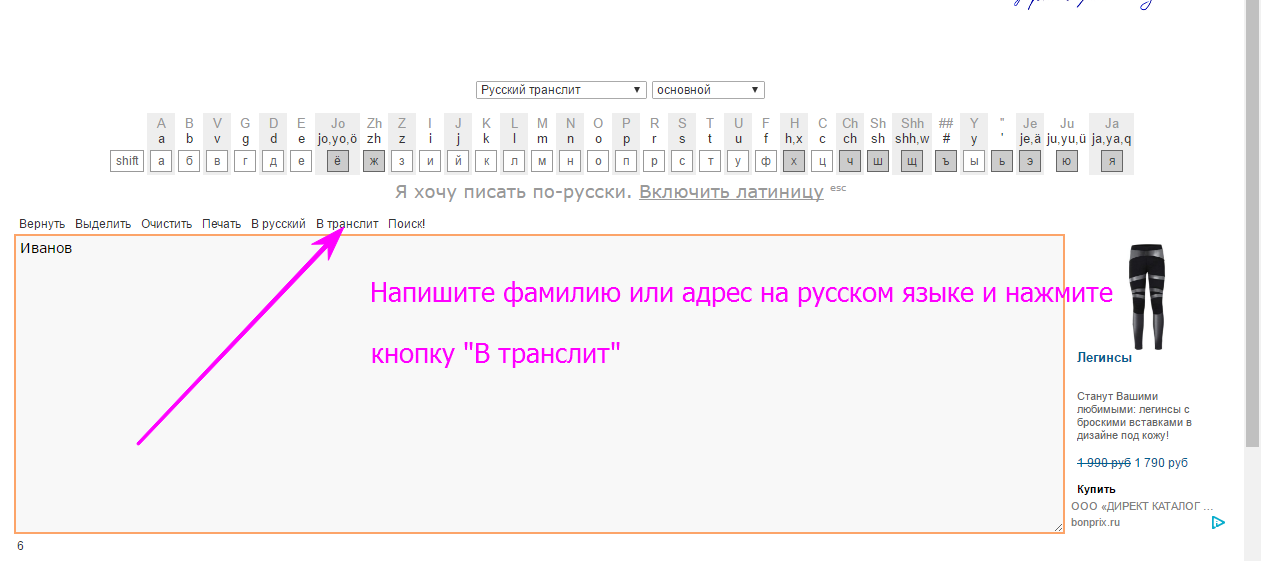
- On the main page in the frame, enter text, such as your last name, name and patronymic
- Next click "In translite" as it shown on the picture
Now your text is translated.
Confirmation of registration for Aliexpress
Now you will display the window that registration is completed successfully.
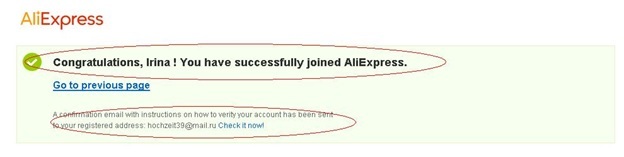
Notification of successful registration
At the bottom of the same window, you can find information that for the final completion of the registration process you need to confirm your email. For this:
- Go to your email specified when filling out the registration company
- Next, find a letter from Aliexpress
- Click on it
- Read the information and click on a special link to confirm registration.
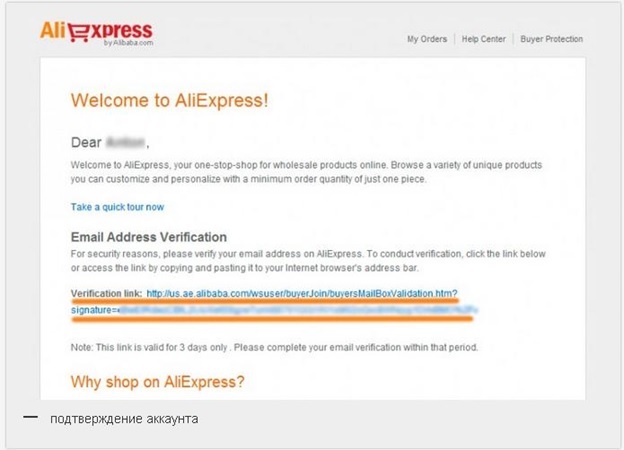
Link to confirm mail
- Now you will be displayed in the window that the mail has been successfully confirmed
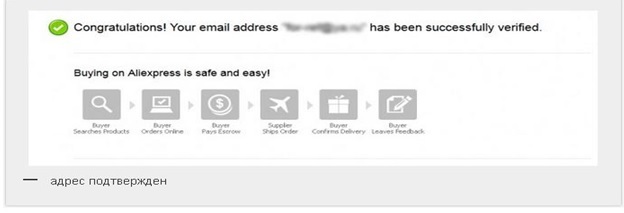
Mail confirmed
Now, so that you can make orders without any problems and receive the parcels will still fill your address. Read more about this procedure in the article - "How to fill in the address of the delivery to Aliexpress to the Crimea?".
Discount when registering for the first order for Aliexpress in Crimea
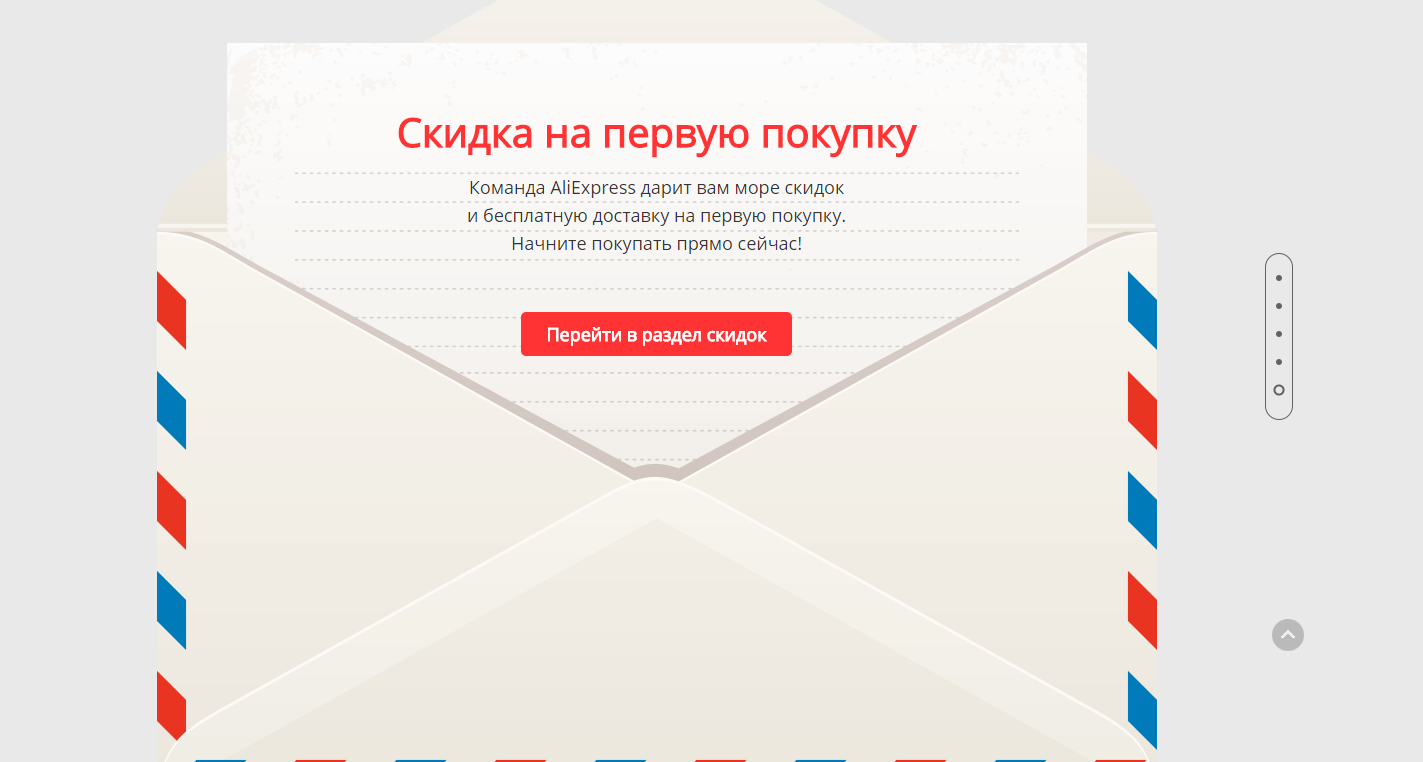
Discount on the first purchase
Each new user immediately after registration can get a discount on its first order. To do this, you need to go to special page by reference here And go down slightly lower. You will see a small envelope to click and get your first discount.
Registration and purchase for Aliexpress in Crimea
In principle, the registration process itself is completed, but to keep abreast of all nuances. Buying goods we recommend that you familiarize yourself with the articles:
- "How to arrange the first purchase for Aliexpress?"
- "How to use the catalog of goods to Aliexpress?"
- "How to make purchases in the mobile application AlExpress?"
- "What is Coupons for Aliexpress?"
- "Seller's rating for Aliexpress and what is it needed for?"
- "What to choose delivery to Aliexpress?"
- "Methods for payment for aliexpress"
- "How and where to track the parcel with Aliexpress?"
Comments