
How to register on Aliexpress website in Russian in rubles in Belarus for free: step-by-step instructions, filling sample, bonus. Aliexpress - Online Store: Registration and purchase in Belarus
In this article we will talk how to register on Aliexpress in Belarus.
Contents.
- What gives registration to Aliexpress?
- Registration on Aliexpress in Russian in rubles in Belarus for free: Step-by-step instructions, filling sample
- Confirmation of registration for Aliexpress
- Discount when registering for the first order for Aliexpress in Belarus
- Registration and purchase for Aliexpress in Belarus
- Video: How to order with Aliexpress (registration, registration of payment and personal account)?
Surely, you have already heard a lot about what kind of site - Aliexpress And why it is needed. At least one of your familiar already bought something here and remained satisfied. Finally, and you decided to join the online shopper community and register in this service. Let's wonder how to do it right.
What gives registration to Aliexpress?
Registration by Aliexpress Give you a lot of different advantages, among them:
- Ability to make purchases without risk
- Getting letters from the site about a variety of promotions and sales
- Use of coupons and promotional discount
- Convenient tracking of orders in the Personal Account
- Tracking certain goods and receiving information about discounts on them
- Ability to write reviews to the seller about his product
Registration on Aliexpress in Russian in rubles in Belarus for free: Step-by-step instructions, filling sample
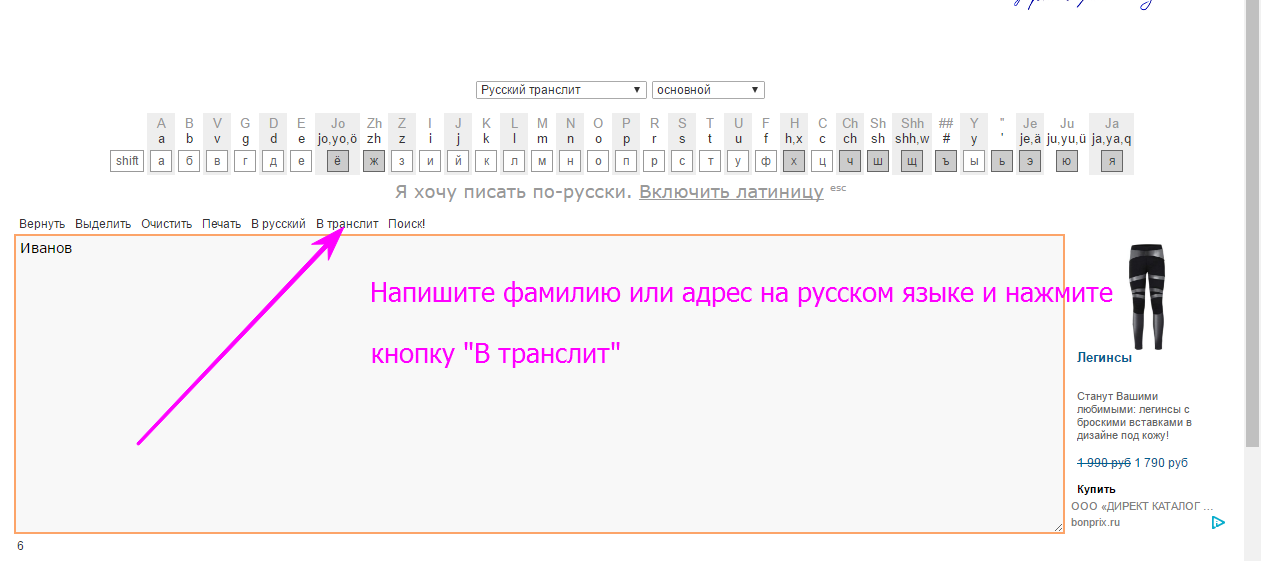
It is worth saying that the name and surname will have to write in translitement. If you do not know how to do it, then use the service Translit.net.. Go through link And on the page in a special frame, enter your data. After that click on the key "In translite"and the name with the name will be translated.
The registration site itself is performed very simply and in just five minutes. So, proceed.
- Open the main page of the site Aliexpress
- Next click on the key "Registration" Right up
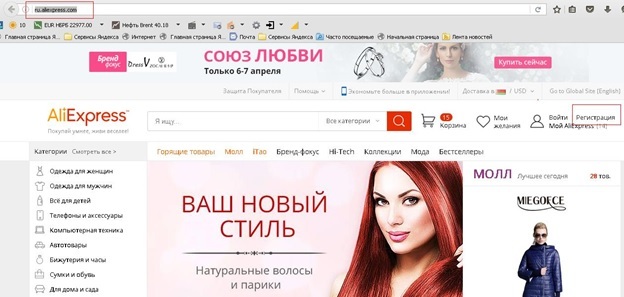
Registration button for Aliexpress
- A small will open form To specify your data
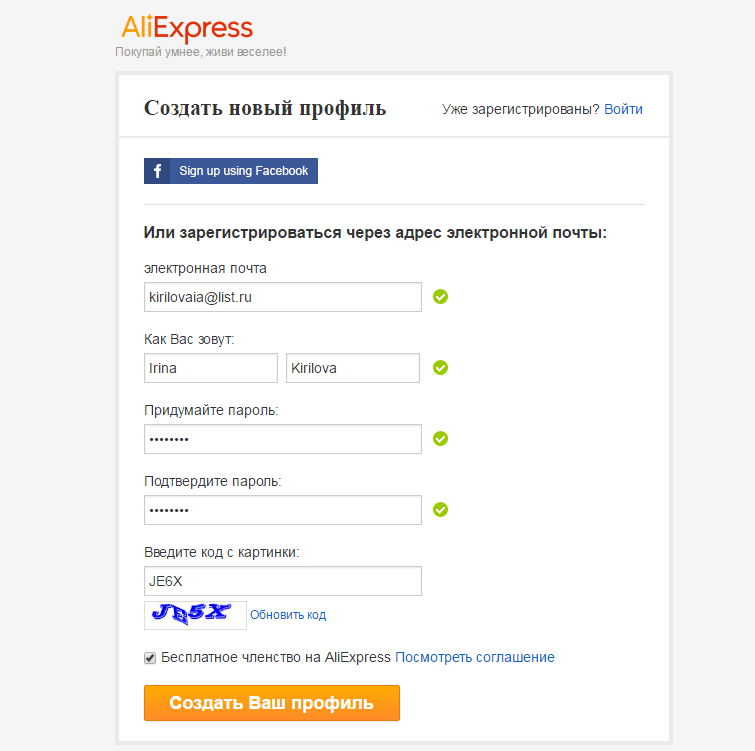
Example of completing the registration form
- Enter english letters:
- E-mail address
- Name and surname
- Password and its confirmation
- Code from the picture
- After completing the operation, select "Creating a new profile"
Confirmation of registration for Aliexpress
The window will immediately high, the registration is completed:
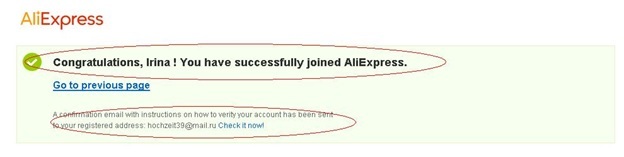
Notification of successful registration
Further on your email will come with a link to confirm registration. Go through it and you will see such a window:
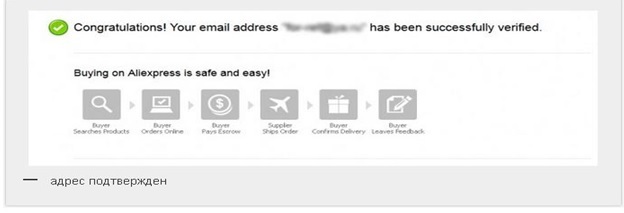
Mail confirmed
This is over this registration process. Now, to start shopping and place orders, it is better to immediately fill in your account delivery address. On how to do it, read in the article: "How to fill in the address of the delivery to Aliexpress in Belarus?".
Discount when registering for the first order for Aliexpress in Belarus
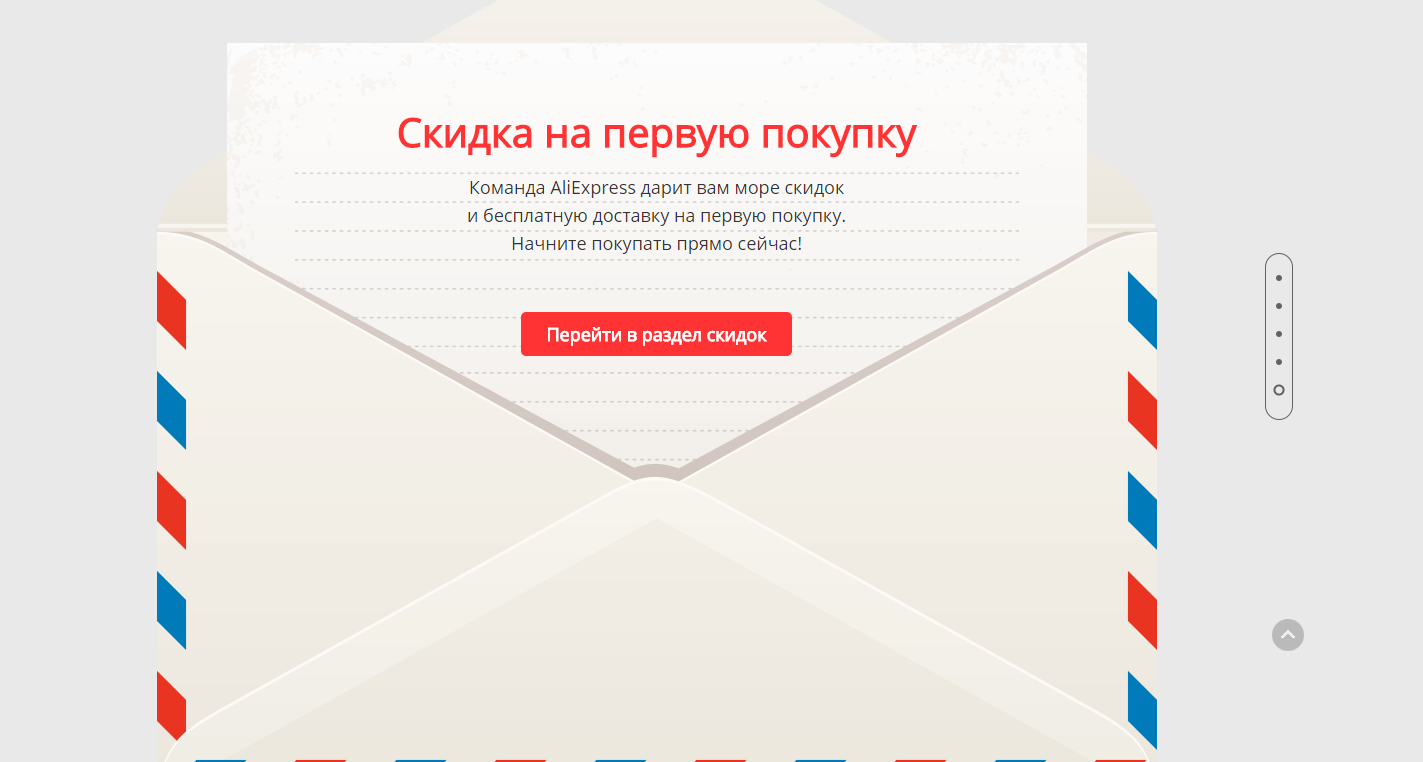
Discount on the first purchase
As a new user, you are led to the first order discount. You can get it on this link. As you find yourself on the page, lower it slightly below until you see an envelope. You need to click on it to get a discount.
Registration and purchase for Aliexpress in Belarus
Now you know how to register on Aliexpress In Belarus, but for sure you have a lot of questions. Solve them will help you our articles:
- How to arrange the first purchase on Aliexpress? "
- "How to use the catalog of goods to Aliexpress?"
- "How to make purchases in the mobile application AlExpress?"
- "What is Coupons for Aliexpress?"
- "Seller's rating for Aliexpress and what is it needed for?"
- "What to choose delivery to Aliexpress?"
- "Methods for payment for aliexpress"
- "How and where to track the parcel with Aliexpress?"
Comments